
Ardour
A powerful multi-channel digital audio workstation, provides everything you need for your audio projects.
Fedora Jam is for audio enthusiasts and musicians who want to create, edit and produce audio and music on Linux. It comes with JACK, ALSA and PulseAudio by default including a suite of programs to tailor your studio.
Fedora Jam is a full-featured audio creation spin. It includes all the tools needed to help create the music you want, anything from classical to jazz to heavy metal. Included in Fedora Jam is full support for JACK and JACK to PulseAudio bridging, the newest release of Ardour, and a full set of LV2 plugins.
A powerful multi-channel digital audio workstation, provides everything you need for your audio projects.

A digital audio workstation with advanced midi sequencers geared for personal home use.

An advanced drum machine that features professional yet simple and intuitive pattern-based drum programming.

A powerful synthesizer capable of making a countless number of instrument sounds.

An easy way to write music with an integrated sequencer.

Learn guitar with this guitar tablature editor with ability to display scores and multitrack tabs.

Everything you need to turn your computer into a full blown guitar rig. Get pro quality sounds and effects.

A realtime software looping sampler perfect for live performance.

Professional state-of-the-art audio plugins for musicians and multitrack software.
تاریخ انتشار:

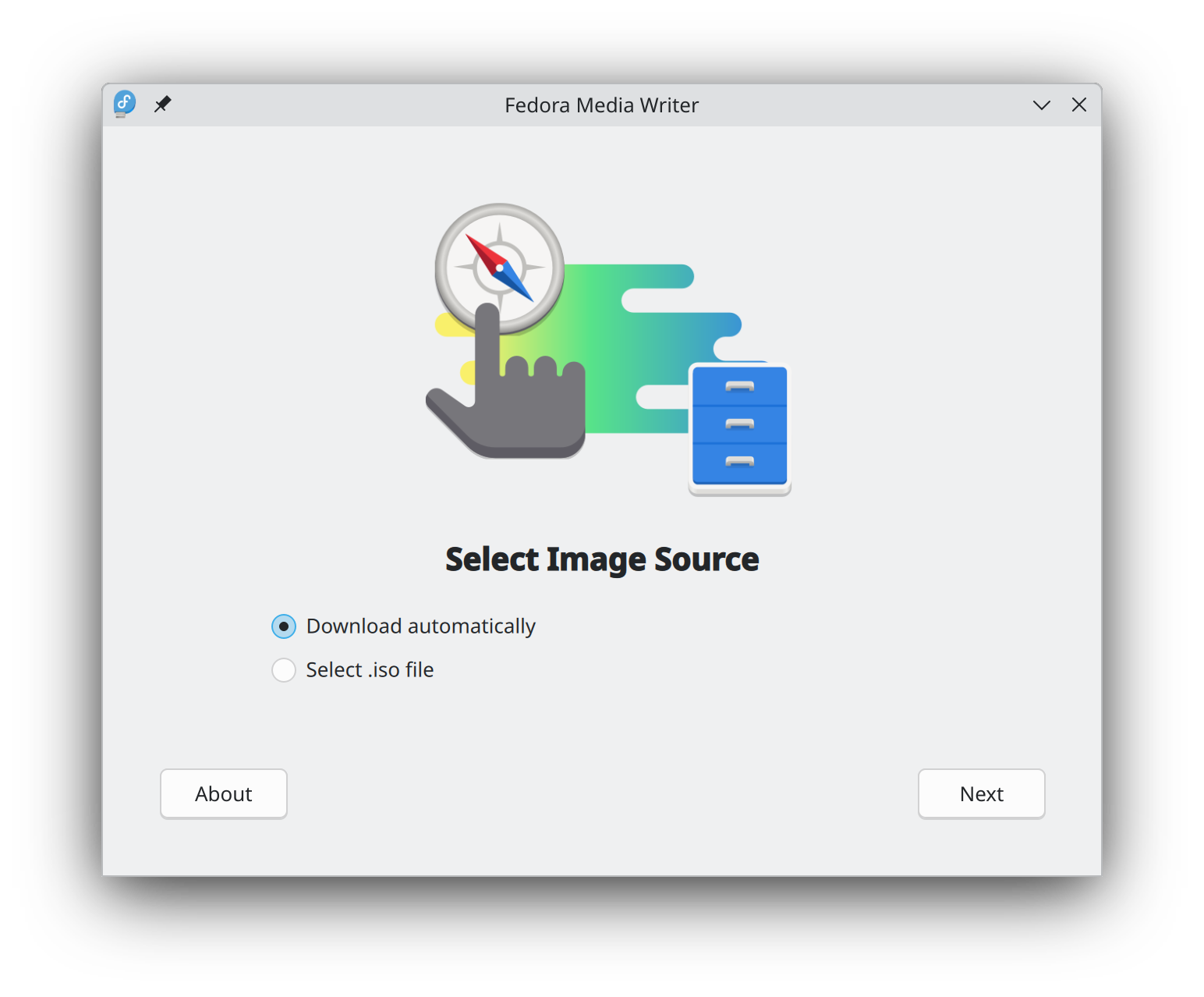
Getting started with Fedora Linux is easier than ever. All you need is a 4GB USB flash drive and the Fedora Media Writer utility.
After Fedora Media Writer is installed, you can use it to write a "Live" version of Fedora Linux to a flash drive. You will then be able to boot from your flash drive and try Fedora Linux out without making any permanent changes to your computer. Once you are hooked, transferring Fedora Linux from the flash drive to your computer's hard drive is a matter of clicking a few buttons.* Learn more
هنگامی که یک تصویردیسک را دانلود کردید، مطمئن شوید که آن را از نظر امنیت و یکپارچگی بررسی کنید.
By calculating a image's checksum and comparing it to its original checksum, you can verify that a image has not been tampered with or corrupted. Images are also signed with the Fedora Project's OpenPGP keys to demonstrate their integrity.
روی دکمه تأیید کلیک کنید تا دستورالعملهای متناسب با دانلود خود را دریافت کنید.
By clicking on and downloading Fedora, you agree to comply with the Fedora Export Control Policy.