
IPython
IPython is an enhanced interactive shell with various features to support rapid interactive computing.
Wary of reinstalling all the essential tools for your scientific and numerical work? The answer is here. Fedora Scientific Spin brings together the most useful open source scientific and numerical tools atop the goodness of the KDE desktop environment.
Fedora Scientific currently ships with numerous applications and libraries. These range from libraries such as the GNU Scientific library, the SciPy libraries, tools like Octave and xfig to typesetting tools like Kile and graphics programs such as Inkscape. The current set of packages include an IDE, tools and libraries for programming in C, C++, Python, Java and R. Also included along with are libraries for parallel computing such as the OpenMPI and OpenMP. Tools for typesetting, writing and publishing are included.
IPython is an enhanced interactive shell with various features to support rapid interactive computing.
Pandas is a Python library mostly useful for data analysis.
Gnuplot is a command line driven utility for creating 2D and 3D graphs.

Matplotlib is the most feature-rich Python library for creating publication ready graphs and figures.

R is a software environment for statistical computing.

Maxima is a computer algebra system.

Fedora Scientific includes the complete toolchain needed for creating documents using LaTeX.

GNU Octave is a high level programming language and numerical computing environment, mostly compatible with MATLAB.

The GNU Scientific Library is a C/C++ library providing a extensive collection of mathematical routines.
DATUM VAN UITBRENGEN:
Toon Beta downloads
Voor systemen die de x86_64-instructieset gebruiken
Voor systemen die de AArch64-instructieset gebruiken

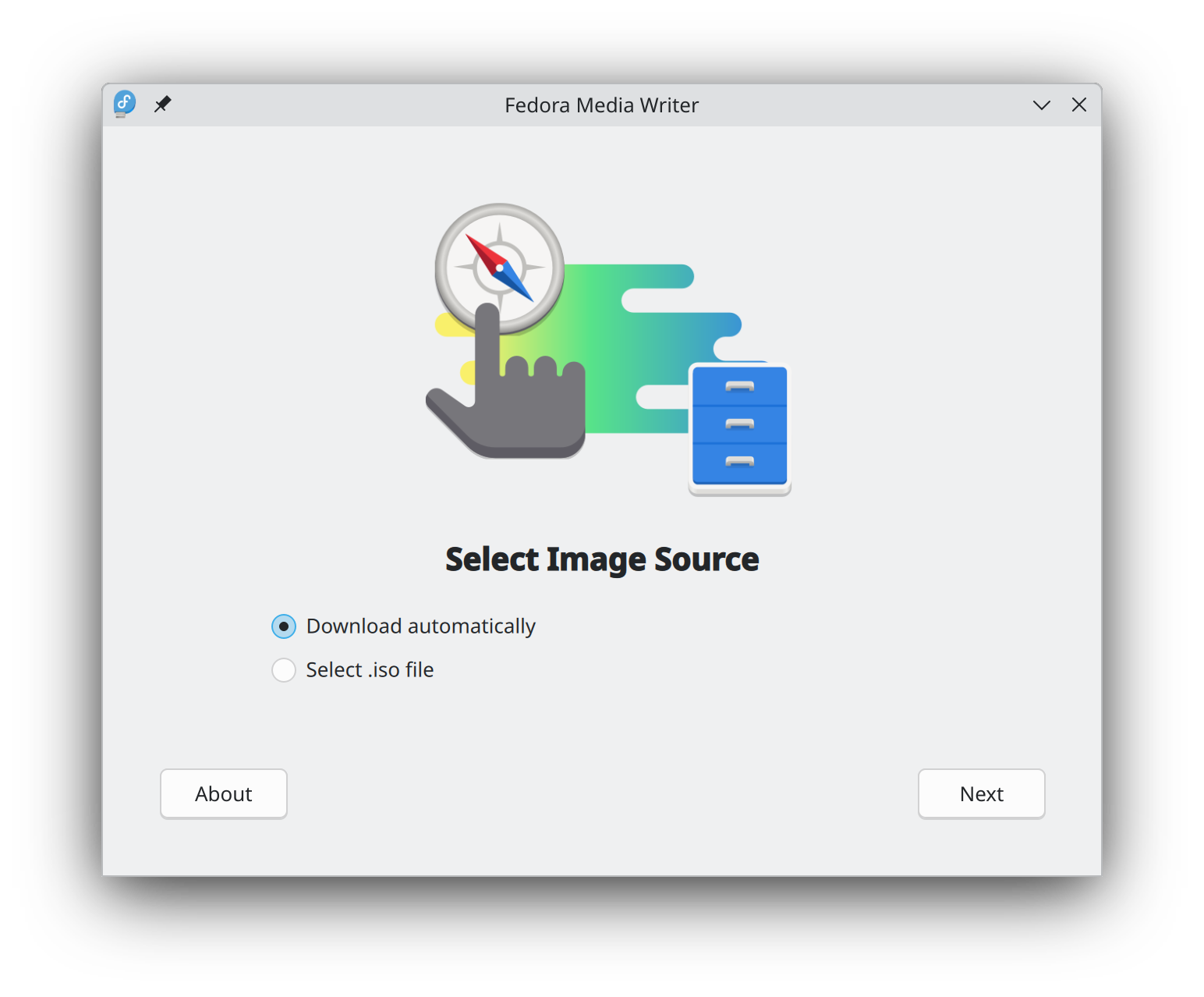
Getting started with Fedora Linux is easier than ever. All you need is a 4GB USB flash drive and the Fedora Media Writer utility.
After Fedora Media Writer is installed, you can use it to write a "Live" version of Fedora Linux to a flash drive. You will then be able to boot from your flash drive and try Fedora Linux out without making any permanent changes to your computer. Once you are hooked, transferring Fedora Linux from the flash drive to your computer's hard drive is a matter of clicking a few buttons.* Learn more
Zodra u een schijfbestand heeft gedownload, verifieer het dan voor zowel veiligheid als integriteit.
By calculating a image's checksum and comparing it to its original checksum, you can verify that a image has not been tampered with or corrupted. Images are also signed with the Fedora Project's OpenPGP keys to demonstrate their integrity.
Klik op de verificatieknop om instructies te krijgen die zijn toegesneden op uw download.
Door Fedora Linux te downloaden, gaat u akkoord met de Fedora Export Control Policy.