
IPython
IPython is an enhanced interactive shell with various features to support rapid interactive computing.
Wary of reinstalling all the essential tools for your scientific and numerical work? The answer is here. Fedora Scientific Spin brings together the most useful open source scientific and numerical tools atop the goodness of the KDE desktop environment.
Fedora Scientific currently ships with numerous applications and libraries. These range from libraries such as the GNU Scientific library, the SciPy libraries, tools like Octave and xfig to typesetting tools like Kile and graphics programs such as Inkscape. The current set of packages include an IDE, tools and libraries for programming in C, C++, Python, Java and R. Also included along with are libraries for parallel computing such as the OpenMPI and OpenMP. Tools for typesetting, writing and publishing are included.
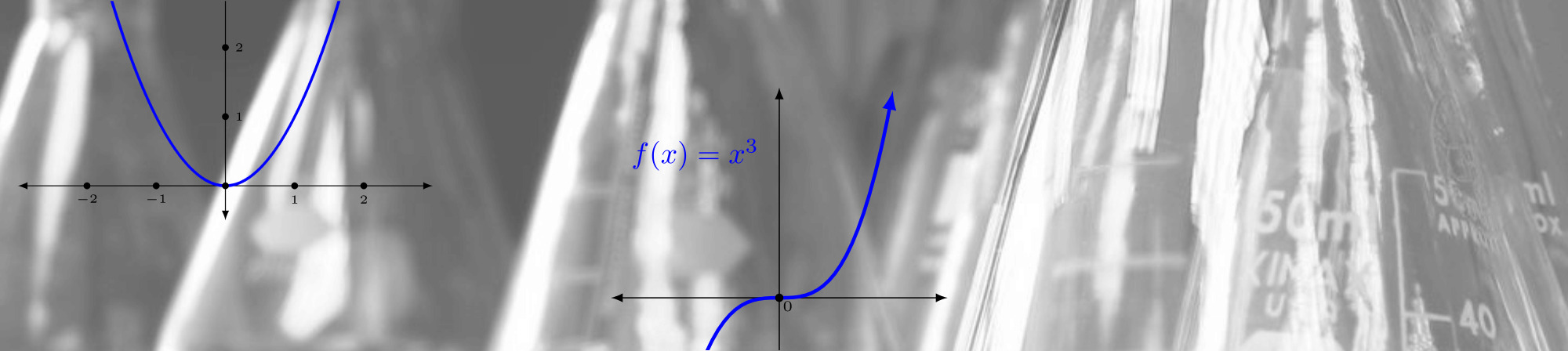
IPython is an enhanced interactive shell with various features to support rapid interactive computing.
Pandas is a Python library mostly useful for data analysis.
Gnuplot is a command line driven utility for creating 2D and 3D graphs.

Matplotlib is the most feature-rich Python library for creating publication ready graphs and figures.

R is a software environment for statistical computing.

Maxima is a computer algebra system.

Fedora Scientific 包含使用 LaTeX 製作文件所需的完整工具鏈。

GNU Octave is a high level programming language and numerical computing environment, mostly compatible with MATLAB.

The GNU Scientific Library is a C/C++ library providing a extensive collection of mathematical routines.
發行日期:

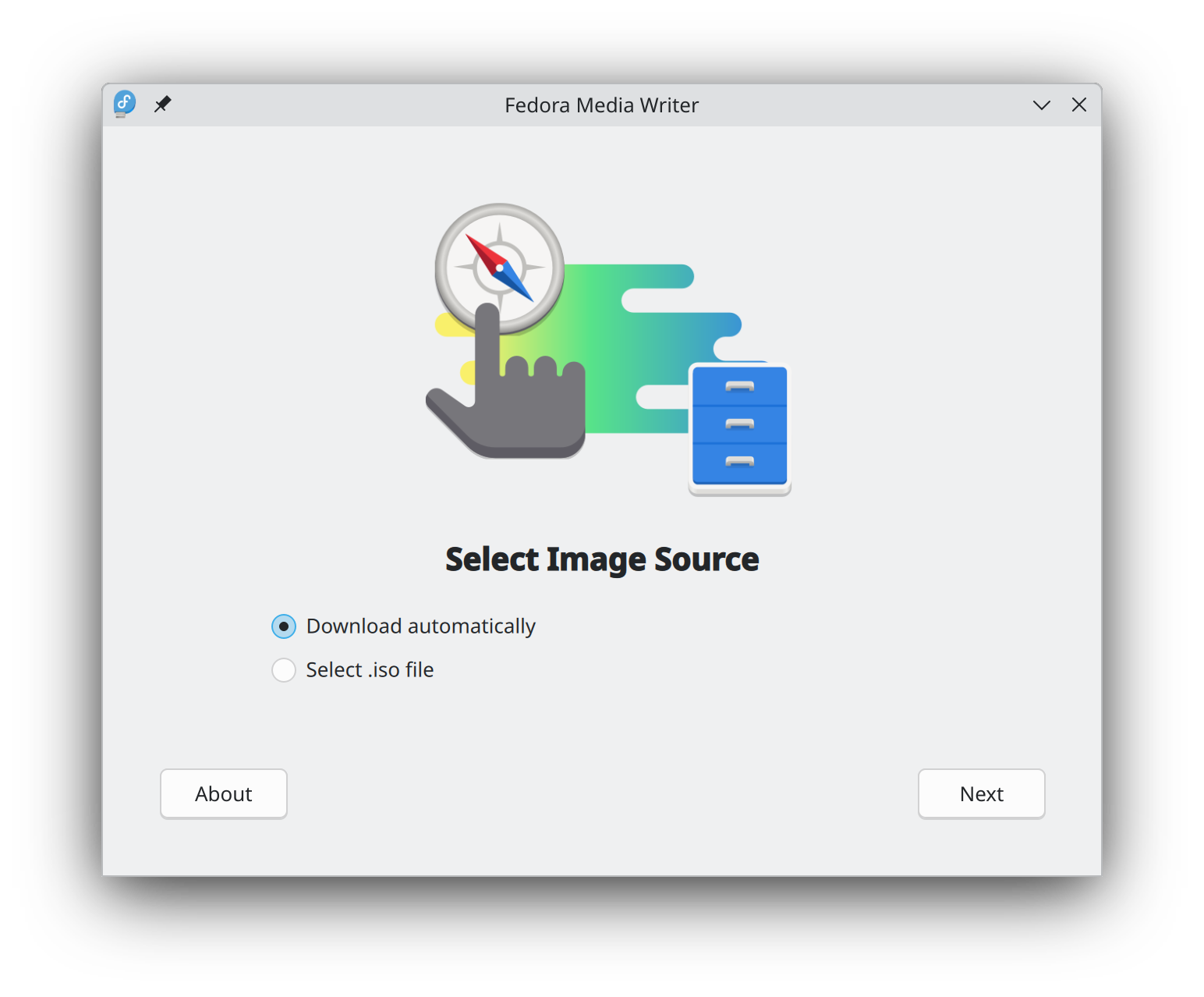
開始使用 Fedora Linux 比以往更容易,您只需要 4GB 的 USB 隨身碟和 Fedora 媒體寫入器的公用程式。
Fedora 媒體寫入器 安裝完成後,您可以用它來寫入一個「Live」版本的 Fedora Linux 到快閃記憶體。 然後您就可以從隨身碟開機,試用 Fedora Linux,而不需要對您的電腦做任何永久性的變更。 一旦你上癮了,把 Fedora Linux 從快閃記憶體安裝到電腦硬碟上就是點幾下按鈕的事。* 瞭解更多
在您下載映像檔以後,請務必校驗檔案的安全性與完整性。
透過計算映像檔的校驗碼並與原始校驗碼進行比對,您可以驗證該映像檔是否被竄改或損毀。映像檔也會使用 Fedora 專案的 OpenPGP 金鑰進行簽署,以證明其完整性。
點按驗証按鈕 取得為您的下載量身訂做的說明。

點選並下載 Fedora,即表示您同意遵守 Fedora 出口控制政策。