
Astropy
Astropy is a community python library for Astronomy to foster interoperability between astronomy packages.
Fedora Astronomy brings a complete open source toolchain to both amateur and professional astronomers.
The Spin provides the Fedora KDE desktop enhanced with a complete scientific Python environment and the AstrOmatic software for data analysis. KStars was added to provide a full featured astrophotography tool. As KStars uses the INDI library to control equipment, various telescopes, cameras etc. are supported. Summarized, Fedora Astronomy provides a complete set of software, from the observation planning to the final results.
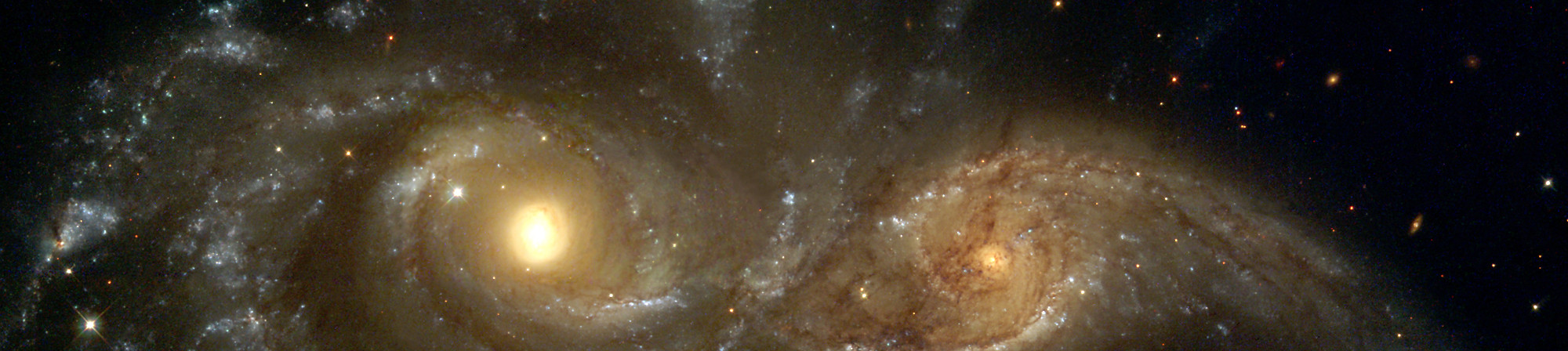
Astropy is a community python library for Astronomy to foster interoperability between astronomy packages.

Kstars provides an accurate graphical simulation of the night sky, from any location on Earth, at any date and time.

The free space simulation that lets you explore our universe in three dimensions.
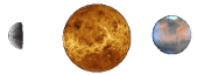
Allow you to visualize any planet aspect at any time. Include extended feature database and texture.
Siril, a free astronomical image processing software.

The INDI Library is a cross-platform software designed for automation and control of astronomical instruments.

A powerful image composition and graphic editing app, similar to Adobe® Photoshop™.

Redshift adjusts the color temperature of your screen according to your surroundings.
AstrOmatic is a set of astronomical pipeline software.
تاريخ الإصدار:

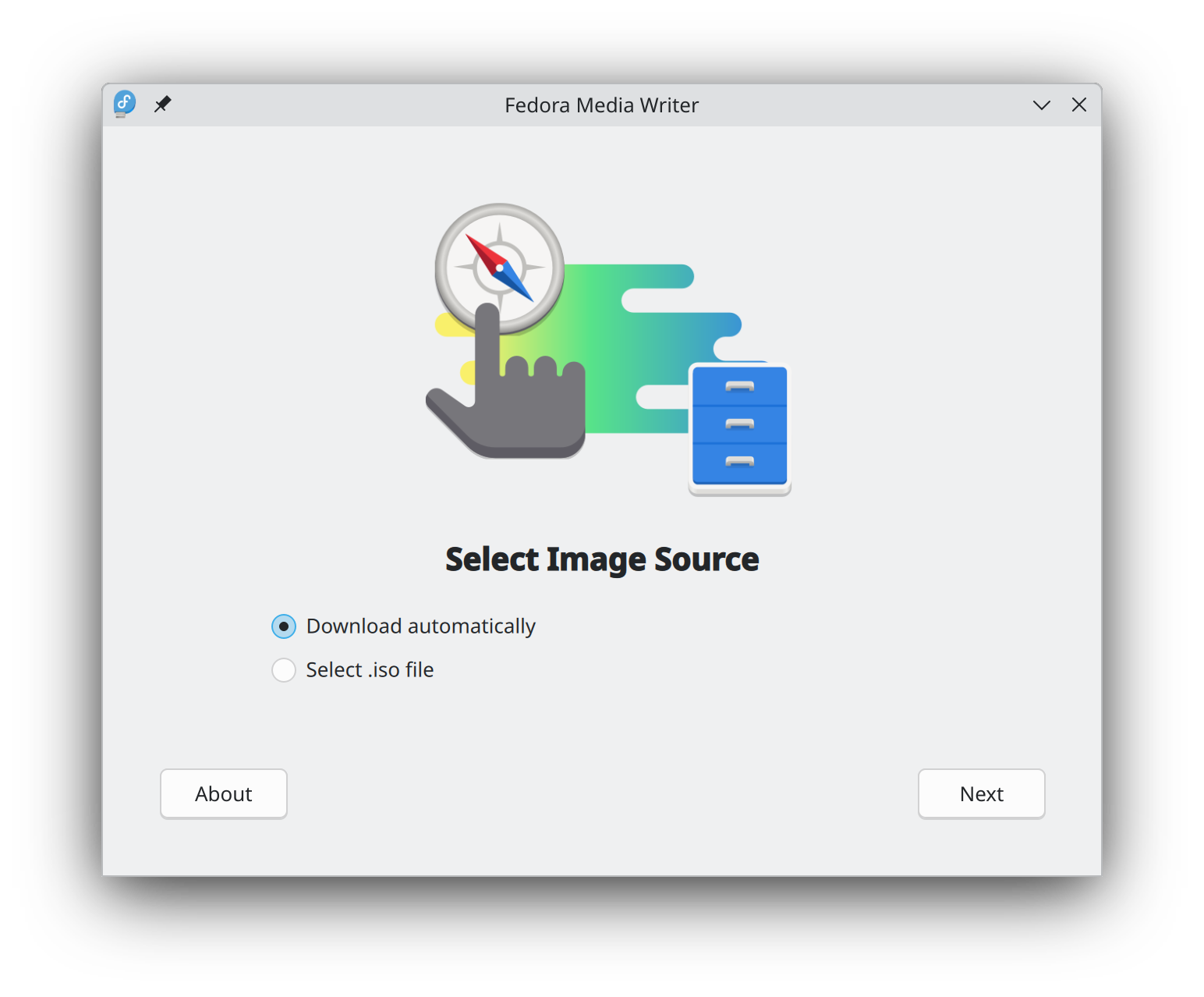
إن البدء في استخدام فيدورا لينكس أسهل من أي وقت مضى. كل ما تحتاجه هو محرك أقراص USB محمول بسعة 4 جيجابايت وأداة كاتب وسائط فيدورا (Fedora Media Writer).
بعد تثبيت كاتب وسائط فيدورا، يمكنك استخدامه لكتابة إصدار "مباشر" من فيدورا لينكس على محرك أقراص محمول. ستتمكن بعد ذلك من التمهيد من محرك الأقراص المحمول وتجربة فيدورا لينكس دون إجراء أي تغييرات دائمة على حاسوبك. بمجرد أن تصبح مدمنًا، فإن نقل فيدورا لينكس من محرك الأقراص المحمول إلى القرص الصلب لِحاسوبك هو مجرد النقر فوق بضعة أزرار.* تعرف على المزيد
حالما تفرغ من تنزيل صورة، احرص أن تتحقق من أمانها وموثوقيتها.
By calculating a image's checksum and comparing it to its original checksum, you can verify that a image has not been tampered with or corrupted. Images are also signed with the Fedora Project's OpenPGP keys to demonstrate their integrity.
اضغط زر التحقق لتحصل على تعليمات مخصّصة لما نزّلته.
By clicking on and downloading Fedora, you agree to comply with the Fedora Export Control Policy.