
GIMP
A powerful image composition and graphic editing app, similar to Adobe® Photoshop™.
Looking for a ready-to-go desktop environment brimming with free and open source multimedia production and publishing tools? Try the Design Suite, a Fedora Spin created by designers, for designers.
The Design Suite includes the favorite tools of the Fedora Design Team. These are the same programs we use to create all the artwork that you see within the Fedora Project, from desktop backgrounds to CD sleeves, web page designs, application interfaces, flyers, posters and more. From document publication to vector and bitmap editing or 3D modeling to photo management, the Design Suite has an application for you — and you can install thousands more from the Fedora universe of packages.
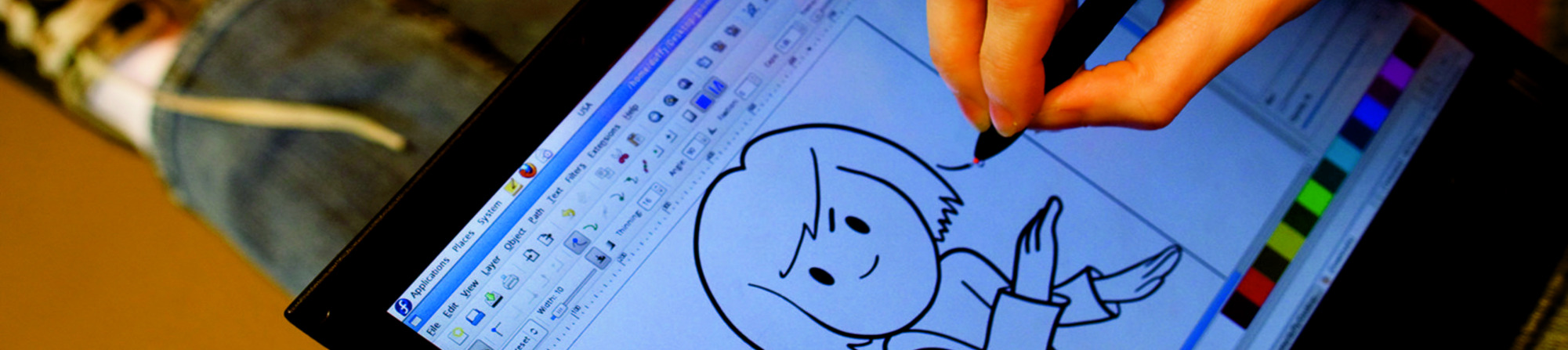
A powerful image composition and graphic editing app, similar to Adobe® Photoshop™.

An easy-to-use vector graphics editor, similar to Adobe® Illustrator™.

An all-in-one 3D graphics suite, with tools for modeling, animation, rendering and post-production.

A virtual light-table and darkroom for photographers; includes tools to develop and enhance raw images.

A creative sketching and digital painting app, modeled on real-life painting materials and workflows.

A desktop publishing and page layout application with professional publishing features.

A python-gtk application that can split and rotate, crop and rearrange the pages in a PDF file.

An intuitive and powerful multi-track video editor, including most recent video technologies.

Manage, install, and generate color profiles for your desktop. Keep your screen calibrated!
תאריך הפצה:
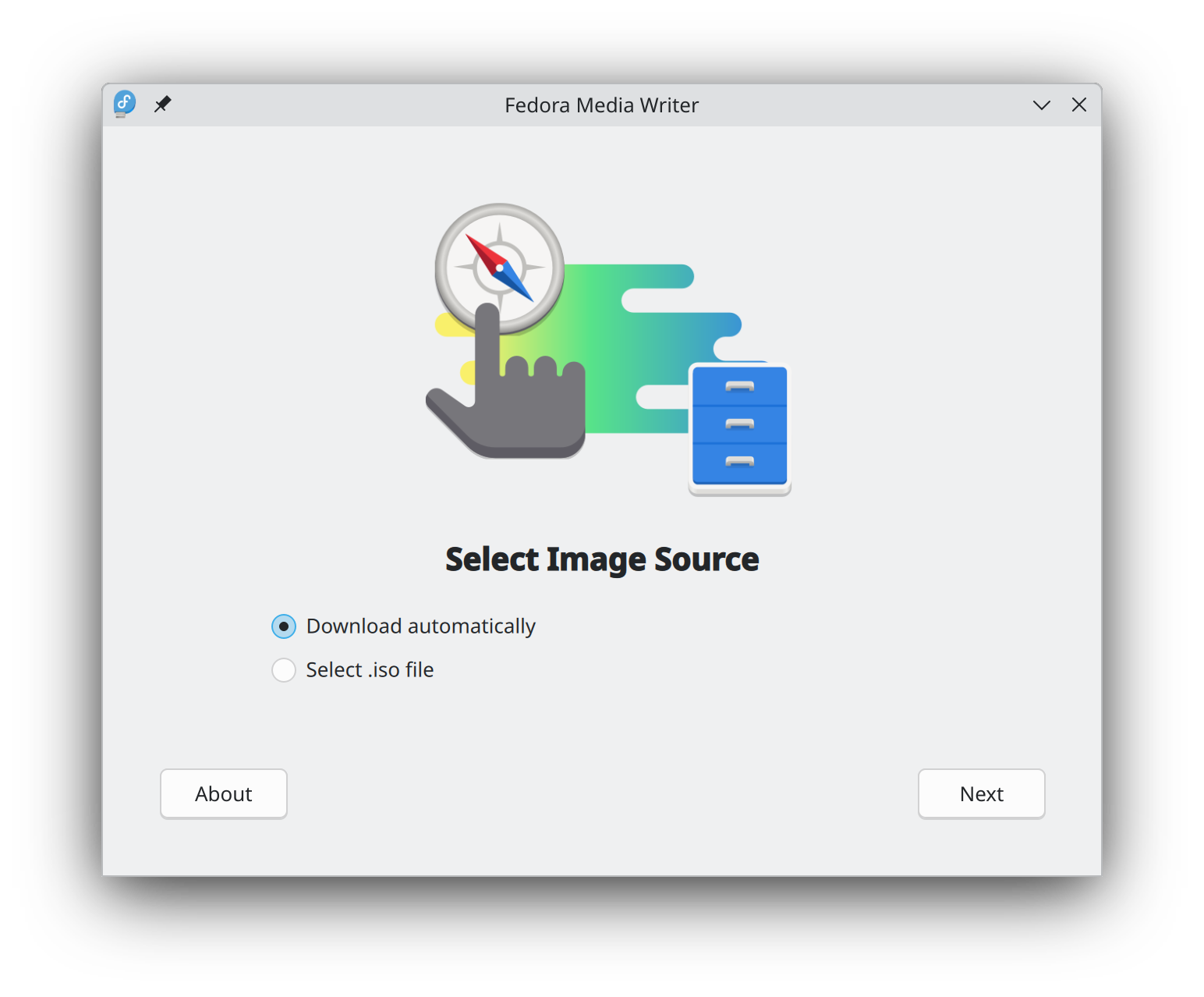
Getting started with Fedora Linux is easier than ever. All you need is a 4GB USB flash drive and the Fedora Media Writer utility.
After Fedora Media Writer is installed, you can use it to write a "Live" version of Fedora Linux to a flash drive. You will then be able to boot from your flash drive and try Fedora Linux out without making any permanent changes to your computer. Once you are hooked, transferring Fedora Linux from the flash drive to your computer's hard drive is a matter of clicking a few buttons.* Learn more
ברגע שהורדתם את קובץ ההתקנה, וודאו שאימתתם אותו מטעמי אבטחה ושלמות הקובץ.
בעזרת חישוב סכום הביקורת של קובץ הדמות שבמחשבך והשוואתו לסכום הביקורת המקורי, אפשר לוודא שקובץ הדמות לא נפגם ולא חיבלו בו. קובצי הדמות חתומים באמצעות מפתחות gpg של פדורה כדי להראות את אמינותם.
אפשר ללחוץ על כפתור האימות לקבלת הנחיות המיועדות להורדה שלך.
By clicking on and downloading Fedora, you agree to comply with the Fedora Export Control Policy.