
GIMP
功能強大的影像合成與圖形編輯應用程式,類似 Adobe® Photoshop™。
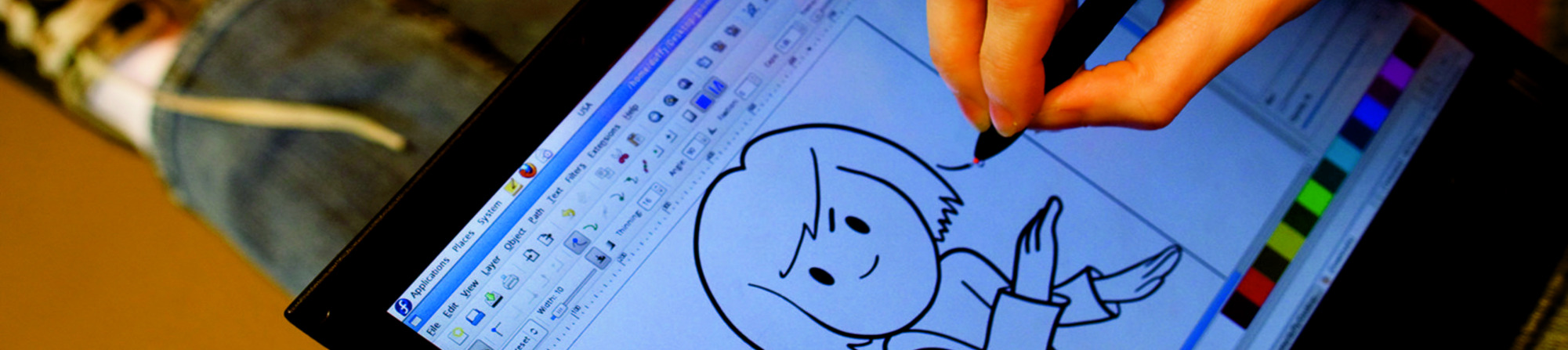
Looking for a ready-to-go desktop environment brimming with free and open source multimedia production and publishing tools? Try the Design Suite, a Fedora Spin created by designers, for designers.
The Design Suite includes the favorite tools of the Fedora Design Team. These are the same programs we use to create all the artwork that you see within the Fedora Project, from desktop backgrounds to CD sleeves, web page designs, application interfaces, flyers, posters and more. From document publication to vector and bitmap editing or 3D modeling to photo management, the Design Suite has an application for you — and you can install thousands more from the Fedora universe of packages.
功能強大的影像合成與圖形編輯應用程式,類似 Adobe® Photoshop™。

一款易於使用的向量圖形編輯器,類似 Adobe® Illustrator™。

一套一體化的 3D 圖形套件,提供建模、動畫、渲染與後期製作工具。

為攝影師打造的虛擬燈箱與暗房;內含可用於沖洗與增強 raw 影像的工具。

一款創意素描與數位繪畫應用程式,模擬真實世界的繪畫材料與工作流程。

一款具備專業出版功能的桌面出版與頁面排版應用程式。

一款以 python-gtk 開發的應用程式,可分割、旋轉、裁切並重新排列 PDF 檔案中的頁面。

一款直觀且功能強大的多軌影片編輯器,支援最新的影片技術。

管理、安裝並為您的桌面產生色彩設定檔。讓您的螢幕維持校正狀態!
發行日期:

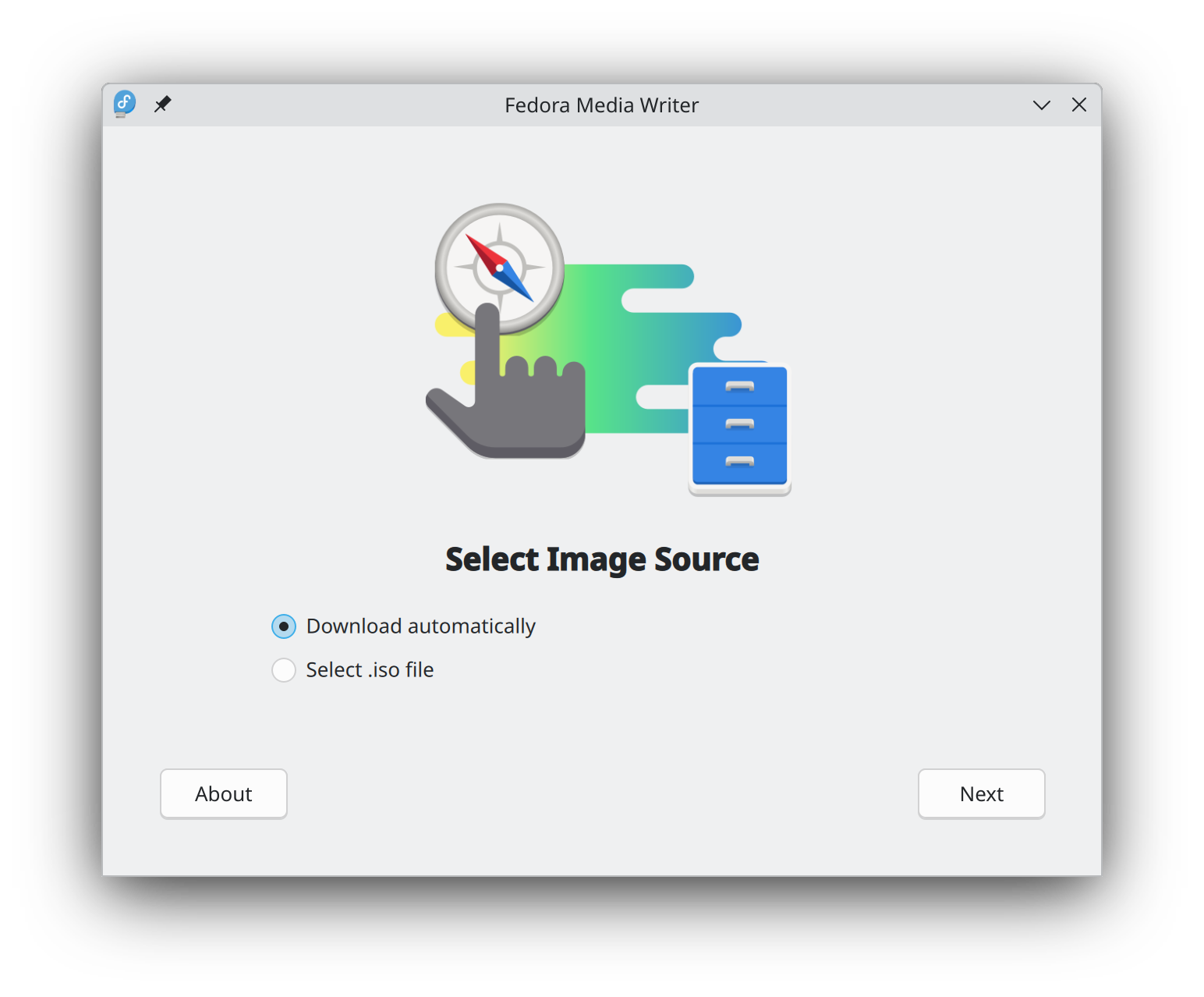
開始使用 Fedora Linux 比以往更容易,您只需要 4GB 的 USB 隨身碟和 Fedora 媒體寫入器的公用程式。
Fedora 媒體寫入器 安裝完成後,您可以用它來寫入一個「Live」版本的 Fedora Linux 到快閃記憶體。 然後您就可以從隨身碟開機,試用 Fedora Linux,而不需要對您的電腦做任何永久性的變更。 一旦你上癮了,把 Fedora Linux 從快閃記憶體安裝到電腦硬碟上就是點幾下按鈕的事。* 瞭解更多
在您下載映像檔以後,請務必校驗檔案的安全性與完整性。
透過計算映像檔的校驗碼並與原始校驗碼進行比對,您可以驗證該映像檔是否被竄改或損毀。映像檔也會使用 Fedora 專案的 OpenPGP 金鑰進行簽署,以證明其完整性。
點按驗証按鈕 取得為您的下載量身訂做的說明。
點選並下載 Fedora,即表示您同意遵守 Fedora 出口控制政策。