
Multiple Pythons
Multiple implementations of the Python programming language, including the newest CPython and PyPy versions
One of the benefits of Fedora for Python developers is the ease of setting up Python development. The Fedora Python Classroom Lab makes it even easier for teachers and instructors to use Fedora in their classrooms or workshops. Ready to use operating system with important stuff pre-installed - either with GNOME or as a headless environment for Docker or Vagrant. Teach Python on Fedora, with Fedora, using the stuff you love: IPython, Jupyter Notebook, multiple Pythons, virtualenvs, tox, git and more
The Fedora Python Classroom Lab comes in 3 variants. Either you can run it in graphical mode with GNOME, or you can virtualize it with Vagrant or run it in a Docker container. You choose what fits your teaching environment the best.
Multiple implementations of the Python programming language, including the newest CPython and PyPy versions

All you need to learn or teach science in Python including SciPy

An enhanced interactive Python shell

A web-based notebook environment for interactive computing and visualizations

熱門版本控制系統

virtualenv management and test command line tool
Create isolated python environments

A simple Python editor for beginner programmers

Python 的整合開發與學習環境
發行日期:
顯示測試版下載連結
適用 Intel 和 AMD x86_64 系統
適用 ARM® aarch64 系統

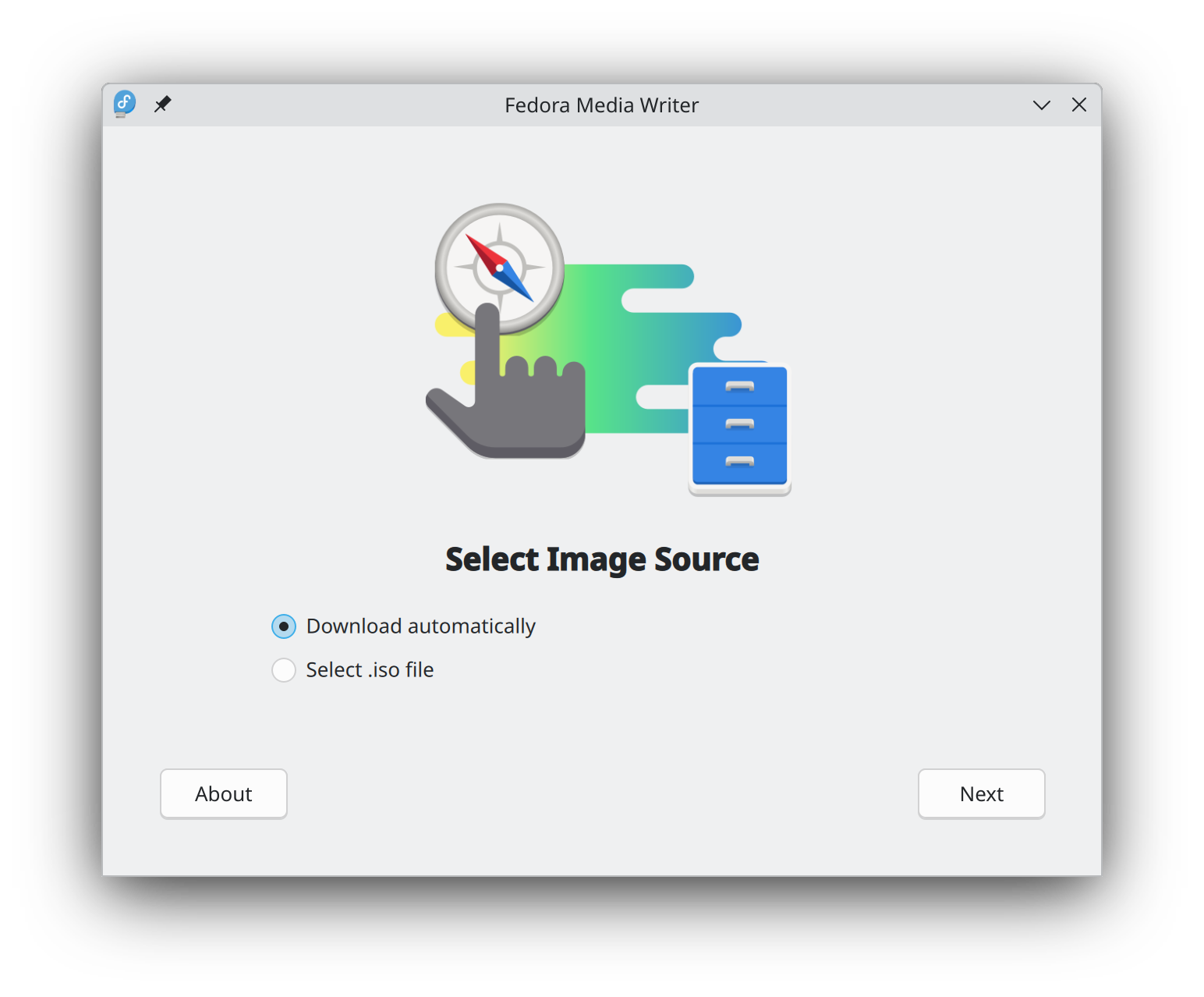
開始使用 Fedora Linux 比以往更容易,您只需要 4GB 的 USB 隨身碟和 Fedora 媒體寫入器的公用程式。
Fedora 媒體寫入器 安裝完成後,您可以用它來寫入一個「Live」版本的 Fedora Linux 到快閃記憶體。 然後您就可以從隨身碟開機,試用 Fedora Linux,而不需要對您的電腦做任何永久性的變更。 一旦你上癮了,把 Fedora Linux 從快閃記憶體安裝到電腦硬碟上就是點幾下按鈕的事。* 瞭解更多
在您下載映像檔以後,請務必校驗檔案的安全性與完整性。
透過計算映像檔的校驗碼並與原始校驗碼進行比對,您可以驗證該映像檔是否被竄改或損毀。映像檔也會使用 Fedora 專案的 OpenPGP 金鑰進行簽署,以證明其完整性。
點按驗証按鈕 取得為您的下載量身訂做的說明。
點選並下載 Fedora,即表示您同意遵守 Fedora 出口控制政策。